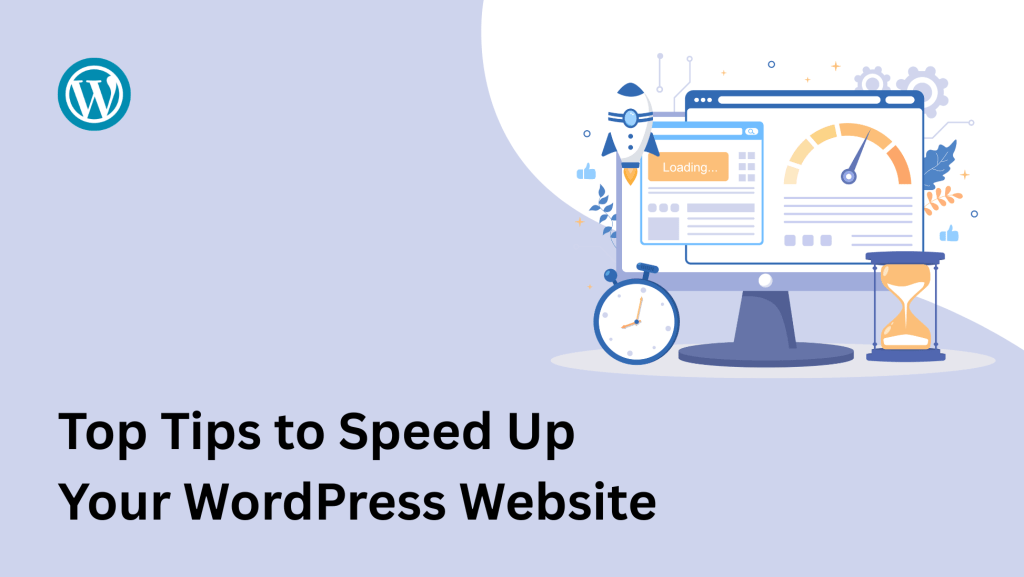
In today’s fast-paced digital world, website speed plays a crucial role in user experience, SEO rankings, and overall online success. A slow-loading WordPress website can frustrate visitors and increase bounce rates, ultimately affecting your conversion rate and search engine visibility. Fortunately, there are effective ways to improve your website’s performance. In this blog post, we’ll share the top tips to speed up your WordPress website and ensure it loads faster than ever before.
1. Choose a Fast & Reliable Hosting Provider
The foundation of your website’s speed starts with your hosting. Avoid cheap shared hosting providers that cram too many websites onto one server. Instead, go for a reputable hosting company that specializes in WordPress performance, such as:
-
Kinsta
-
Bluehost (for beginners)
Managed WordPress hosting often provides optimized performance, automatic updates, and better caching.
2. Use a Lightweight Theme
A bloated theme packed with unnecessary features can slow down your website. Choose a lightweight, fast-loading WordPress theme that is optimized for speed and follows coding best practices. Some popular performance-friendly themes include:
These themes are built for speed and can significantly reduce your page load time.
3. Optimize Your Images
Images are one of the main contributors to slow page load times. Always optimize images before uploading them by:
-
Resizing to appropriate dimensions
-
Compressing with tools like TinyPNG or ShortPixel
-
Using modern formats like WebP
You can also install WordPress plugins like Smush, Imagify, or ShortPixel Image Optimizer for automatic image compression.
4. Install a Caching Plugin
Caching plugins create static versions of your web pages, reducing the load on your server and speeding up page delivery. Top caching plugins include:
With proper configuration, these plugins can dramatically improve your site’s performance.
5. Minify CSS, JavaScript, and HTML
Minifying your website’s code removes unnecessary spaces, comments, and characters, making files smaller and faster to load. Many optimization plugins offer this feature, such as:
Be sure to test your site after enabling minification to avoid layout issues.
6. Use a Content Delivery Network (CDN)
A CDN stores your website’s static files on servers around the world and delivers them to users from the nearest location. This reduces latency and speeds up your website for global visitors. Popular CDNs include:
-
StackPath
Most CDNs offer free or affordable plans that are easy to integrate with WordPress.
7. Limit Plugins and Remove Unused Ones
Too many plugins can slow down your site and increase security risks. Audit your plugin list regularly and:
-
Remove plugins you no longer use
-
Replace heavy plugins with lightweight alternatives
-
Avoid plugins that duplicate features
Only keep essential and well-coded plugins from trusted developers.
8. Update WordPress Core, Themes, and Plugins
Keeping your WordPress core, themes, and plugins updated ensures optimal performance and security. Developers constantly release improvements that can speed up functionality, so don’t delay updates.
9. Optimize Your Database
Over time, your WordPress database accumulates unnecessary data like post revisions, spam comments, and transients. Use plugins like:
-
Advanced Database Cleaner
These tools clean and optimize your database for better performance.
10. Disable Hotlinking
Hotlinking occurs when other websites directly link to your images or resources, consuming your bandwidth. You can prevent hotlinking by modifying your .htaccess file or enabling it via your CDN or hosting panel.
Final Thoughts
Speeding up your WordPress website isn’t just a technical enhancement—it’s a business necessity. A faster site leads to better user engagement, improved SEO rankings, and higher conversion rates. By following the tips above, you’ll be well on your way to creating a lightning-fast WordPress website that delivers results.
Need help optimizing your WordPress site? Reach out to our expert team and let us speed up your site for you.